How to claim and edit your business on RatingsPlus
Claim your listing for free and keep your details up to date.
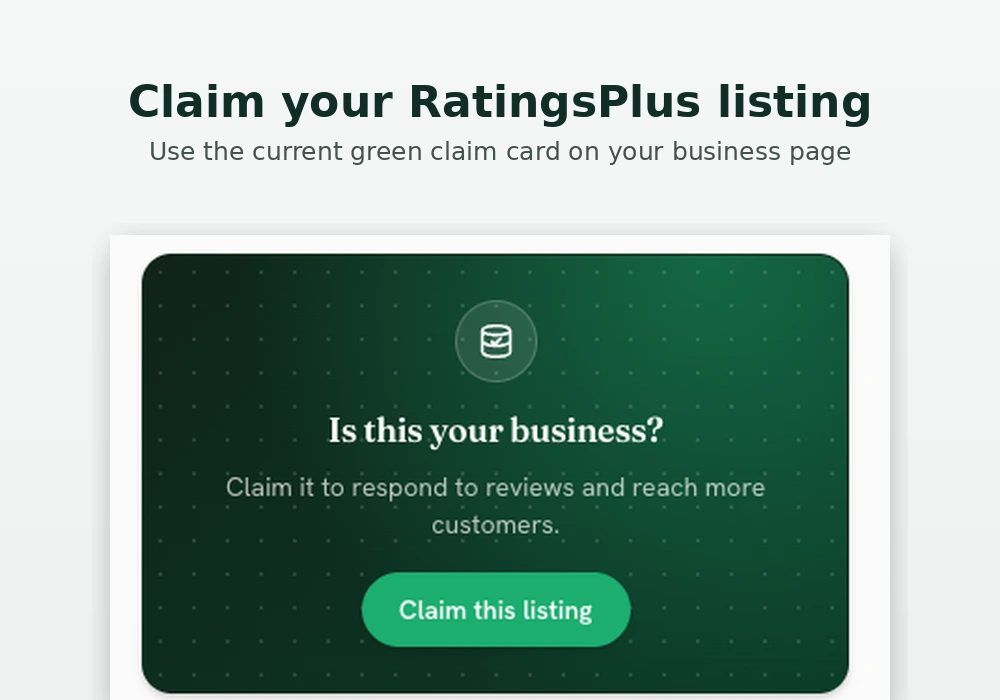
Your business may already be listed on RatingsPlus. If it is, the best way to correct the details is to claim the listing for free. Once your claim is approved, you can manage the listing from your dashboard and send update requests.
If you spot an old name, missing About section, wrong phone number or another detail that needs checking, you can report the issue on the listing page. We may mark the listing as needing an update so visitors know the information should be checked. Routine profile changes are handled through the claim and dashboard process rather than support editing free listings manually from email.
How to claim your listing
Open your public business page. Look for the green card that says Is this your business?, then press Claim this listing. You can also start from the Claim your business page and search for your listing.
Create a free account or sign in, then submit the claim form with the details requested. Use a business email address where possible, because it helps us confirm the request.
What happens after you submit a claim
The RatingsPlus team checks each claim before giving access. This protects businesses from unauthorised changes and helps keep the directory reliable. Allow up to three working days for review.
Once your claim is approved, the listing appears in your dashboard. From there you can request changes to the information customers see.
What you can update
You can request updates to your business name, About section, contact details, opening information, services, website link and images where available. Keeping these details accurate helps customers choose the right business and makes enquiries easier to handle.
Your dashboard also shows useful activity for your listing, including views, calls, contact requests, website clicks, WhatsApp taps and direction requests.
Free listing update limits
Claiming a listing is free. To keep reviews manageable for everyone, free listings can have one update request pending at a time and one approved self-service update every 90 days.
If there is an urgent factual correction, such as an incorrect phone number, wrong address, privacy issue or closed-business status, contact support with the exact issue and we can review it separately.
Before you submit changes
- Use the correct business name, address and postcode.
- Add a working phone number and website if you have one.
- Keep the description factual and specific to your services.
- Upload clear images that represent the business properly.
- Put all routine changes into one update request.
- Check spelling before sending your update.
If your listing is already live, open it and press Claim this listing to begin. For general claims, visit Claim your business on RatingsPlus.